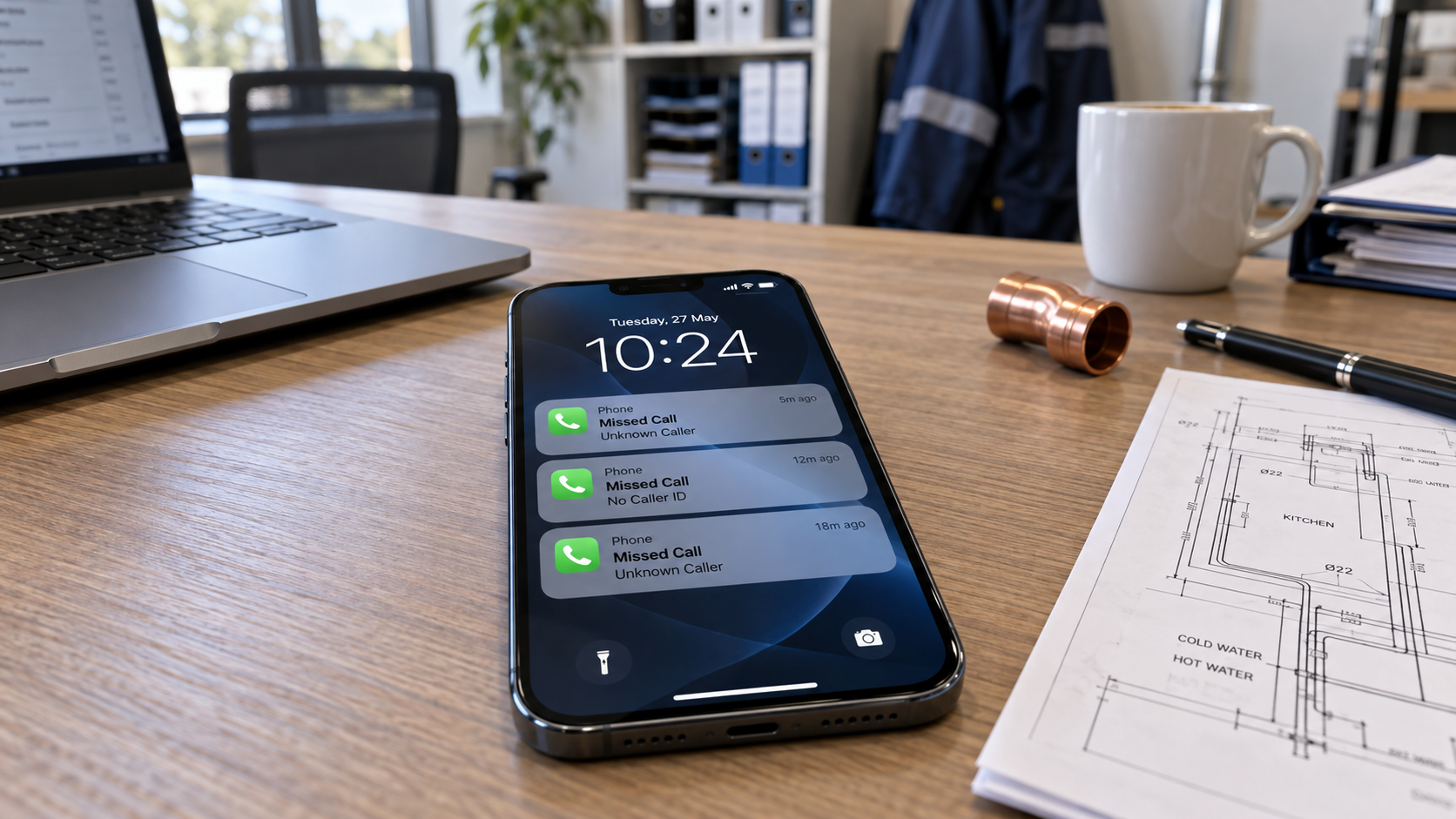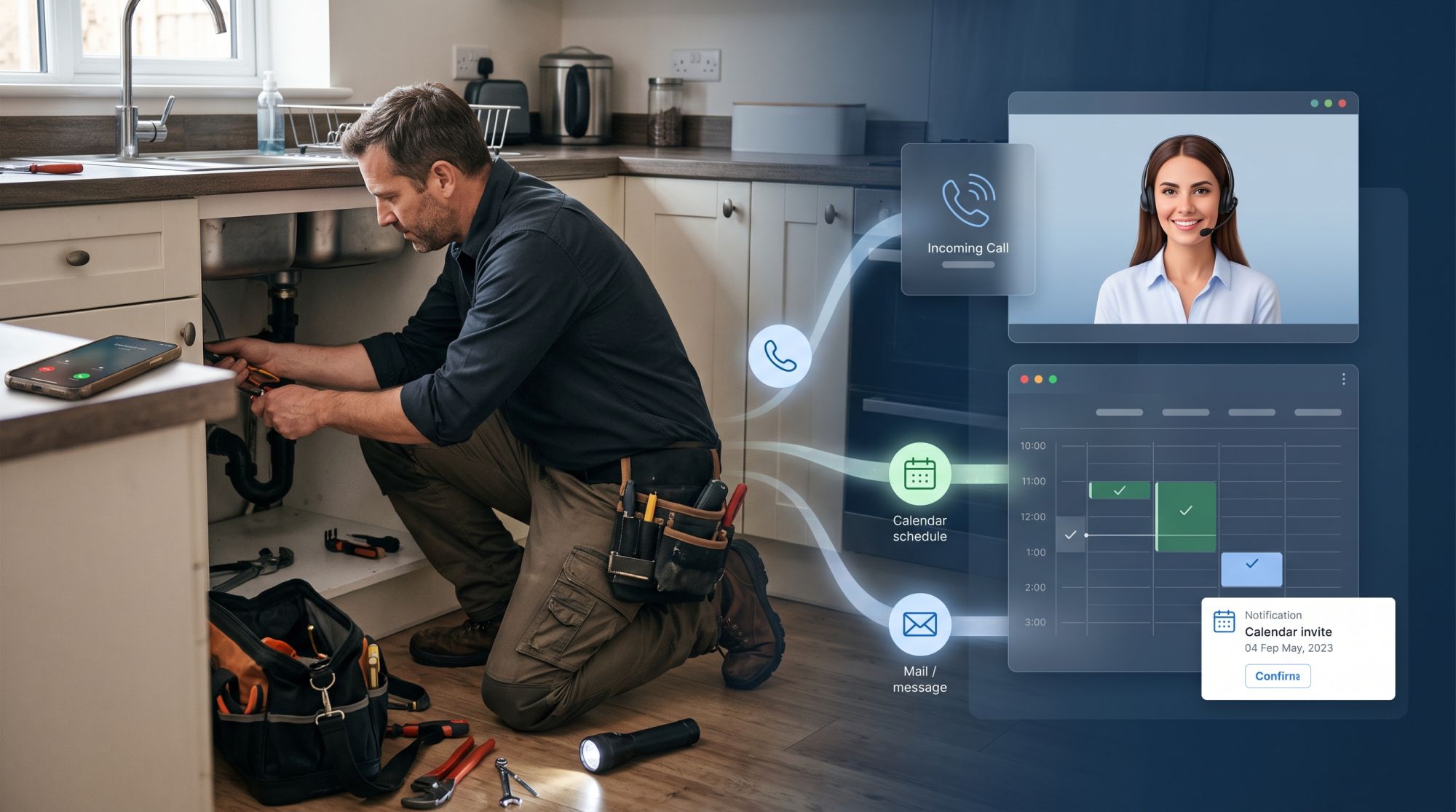
For a plumber, the phone always rings at the wrong moment: under a sink, up a ladder, or halfway through a boiler service. Let it ring, and the customer often calls the next plumber on the list. Answer it, and the job in front of you stops.
An AI receptionist answers for you. It takes the caller’s details, books the visit and puts urgent jobs straight through to your phone. Here is how that works for a plumbing business, and what it won’t do.
Why plumbers miss so many calls
Plumbers miss calls because the work needs both hands, and the busiest hours on the phone are the busiest hours on the job.
mornings, when people find the leak
evenings and weekends, when you are off but problems aren’t
driving between jobs
long jobs, like a bathroom refit, where you can’t stop every ten minutes
Voicemail rarely saves the call. Someone with water on the floor wants an answer now, not a callback in two hours.
What an AI receptionist does on a call
It handles the call the way a good office manager would: it asks the right questions and makes sure nothing gets lost.
It answers in your company’s name, day and night.
It asks what the problem is: a leak, a blocked drain, no hot water, a new installation or a quote.
It takes the details you need: name, address, phone number and a short description of the job.
It answers the usual questions from your information: which areas you cover, your opening hours, your call-out fee, and the kinds of work you take on.
It books the visit in your calendar, or passes the job to you with a summary.
You get a written summary of every call, so you can read through the day’s jobs between appointments.
Urgent calls go straight to you
An AI receptionist can tell a burst pipe from a dripping tap, and it puts the emergency through to you.
You decide what counts as urgent, for example water coming through a ceiling or no water at all. Those calls go straight to your mobile, or to whoever is on call, with a short summary. Everything else is booked or noted for later.
For a smell of gas, it doesn’t book a visit: it tells the caller to get outside and ring the gas emergency line, or 112 if there is immediate danger.
Booking site visits and quotes
For jobs that can wait, it books a time while the customer is still on the phone.
It checks your calendar, offers free times and books the visit with the address and the job details, so you arrive knowing what to expect. If a customer calls to move or cancel, it takes the request and passes it to you.
Quotes work the same way: it books a visit to look at the job, and notes what the customer described.
What it won’t do
An AI receptionist answers and organises; the plumbing stays with you.
It won’t diagnose a fault or tell a customer how to fix it.
It only gives prices you have given it, such as your call-out fee.
It won’t promise a time that isn’t free in your calendar.
It passes complaints about past work to you.
Setting it up
With Acastia, an AI receptionist goes live in four steps, and it takes about two hours of your time.
Free assessment. We look at the calls you miss: how many, when, and what about.
Your plan. A written proposal with a one-time set-up fee and one fixed monthly fee.
Build and launch. We train it on your services, the areas you cover and your rules for urgent calls, and connect your Google Calendar or set up our dashboard calendar. Your calls are forwarded to it when you’re busy or closed. You test it first, and nothing goes live before you approve it.
Run and improve. We read the calls, adjust what can be better and review the results with you every month.
Want to hear one first? Our demo builds a receptionist from your own website and calls you. See also how it works for trades and other industries, or read what an AI receptionist can and can’t do.
Questions and answers
Can I keep my own number?
Yes. Calls can be forwarded to the AI receptionist all the time, or only when you are busy or closed.
What happens with emergencies at night?
It follows your rules: it puts the call through to whoever is on call, or takes the details for a call back at a set time. For a smell of gas, it tells the caller to get outside and ring the gas emergency line, or 112 if there is immediate danger.
Does it speak my customers’ language?
It speaks the language you choose for it, such as Danish, German, French, Dutch or English.
How do I see what came in?
You get a summary of every call, and your dashboard shows the calls, messages and bookings.
What does it cost?
A one-time set-up fee, then one fixed monthly fee, both set after a free assessment of your calls. See how our pricing works.