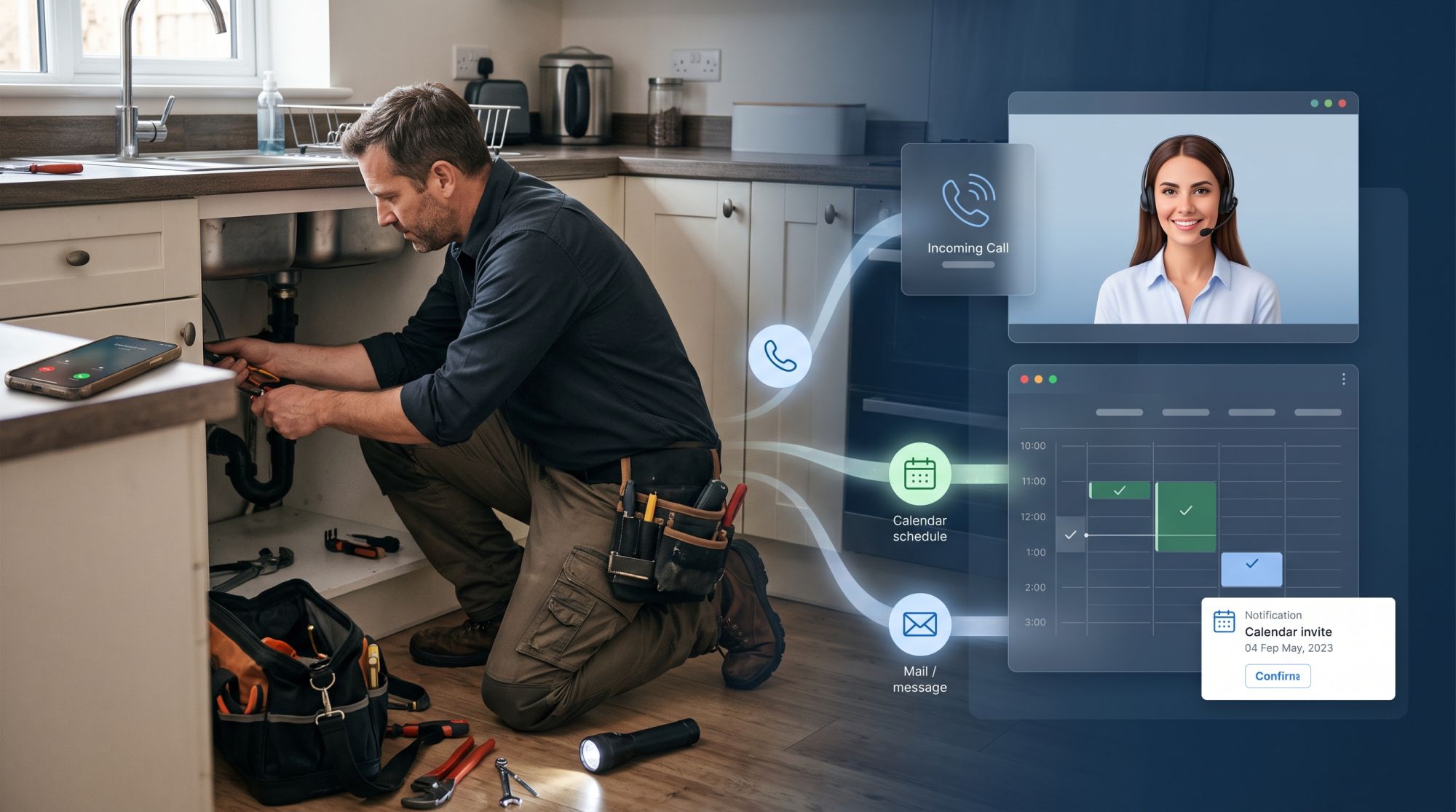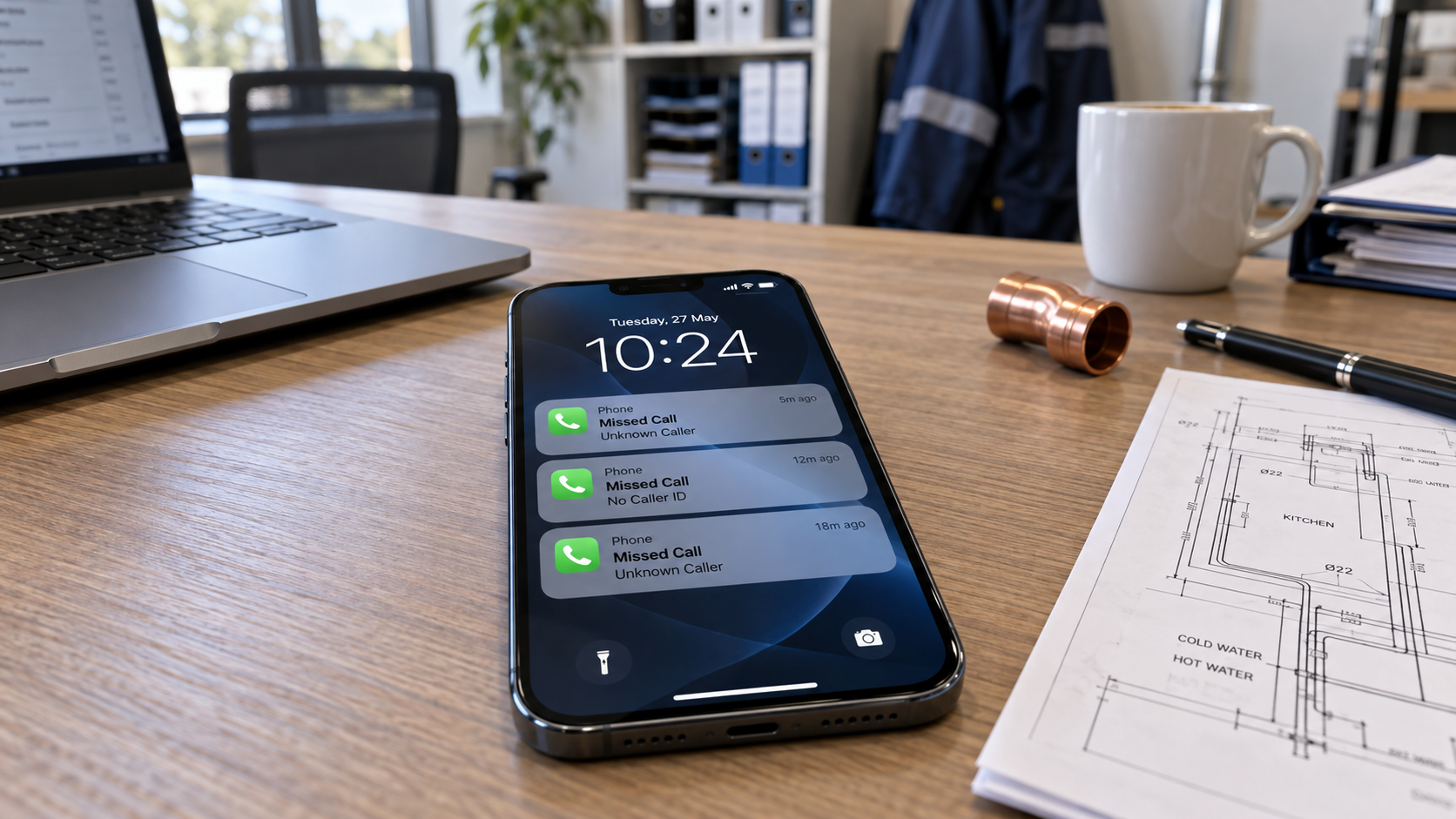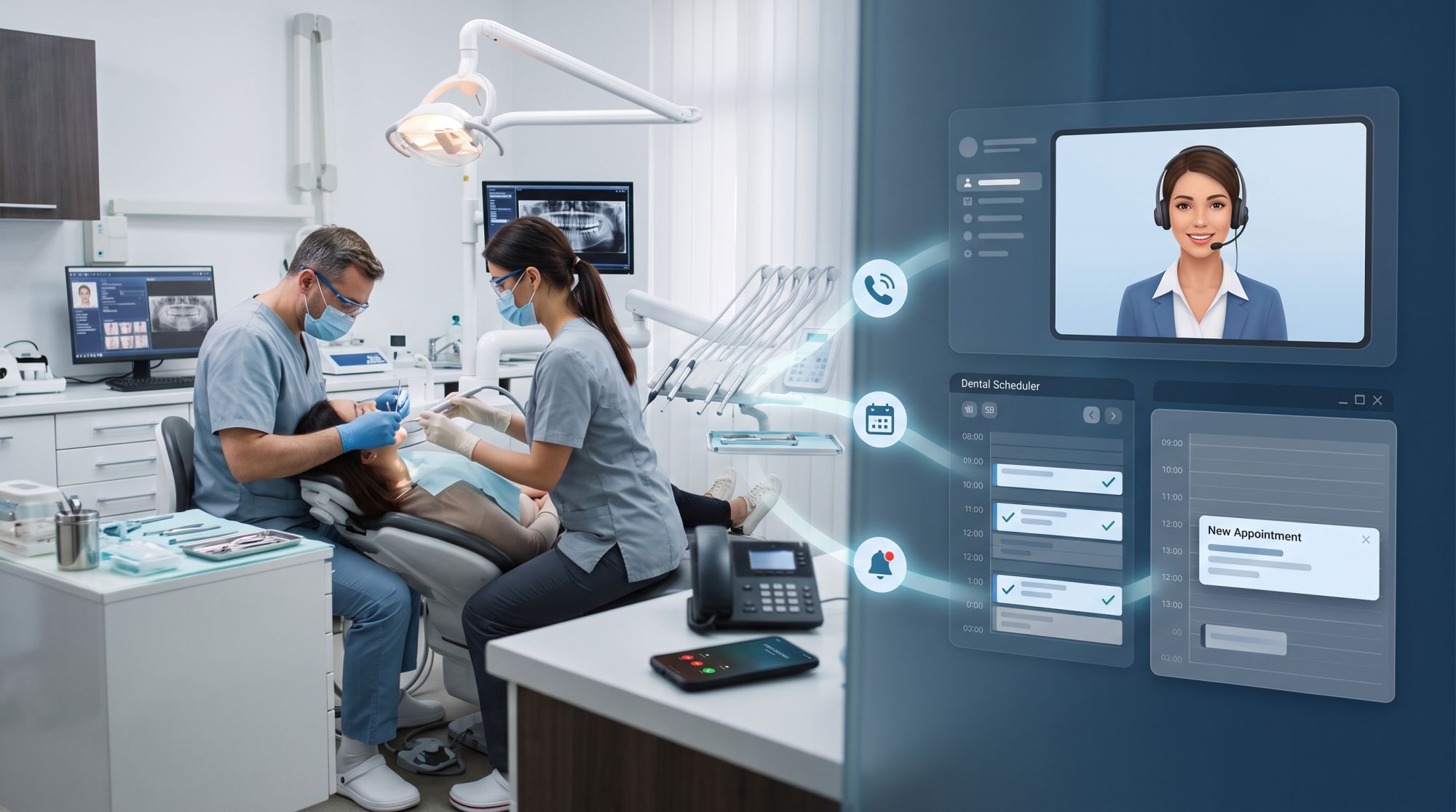
In a dental clinic, the phone rings hardest when the front desk is busiest: first thing in the morning, at lunch, and while patients check in and out. Calls go to voicemail, patients wait, and new patients try another clinic.
An AI receptionist takes those calls. It answers in the clinic’s name, takes bookings and passes on what needs your team. This article covers what it handles, how booking works with your practice system, what to know about patient data, and what stays with your team.
Why the front desk can’t keep up
The front desk does two jobs at once: looking after the patients in front of it, and answering the ones on the phone.
the morning rush, when patients call about pain that started overnight
lunch breaks and staff meetings
check-in and payment at the counter
evenings and weekends, when patients have time to call
What it handles on a call
An AI receptionist takes the routine calls from start to finish, and collects the details for everything else.
New patients: it takes their details and the first appointment they need.
Existing patients: it takes requests for check-ups and hygiene appointments, and to move or cancel, for the front desk.
Questions: opening hours, address and parking, the treatments you offer, the prices you have given it, and what to bring.
Acute pain: it follows your rules, for example offering an emergency slot or putting the call through to the front desk. It gives no medical advice.
Everything else: a message with the details, for your team to follow up.
Booking and your practice system
Whether the agent can book directly depends on the system your clinic books in.
If your appointments are in Google Calendar or in our dashboard calendar, the agent books straight into it during the call. Most clinics use a dedicated practice system, which the agent can’t book into yet. There, it takes the booking request with the details, and your team confirms it.
Patient data and the GDPR
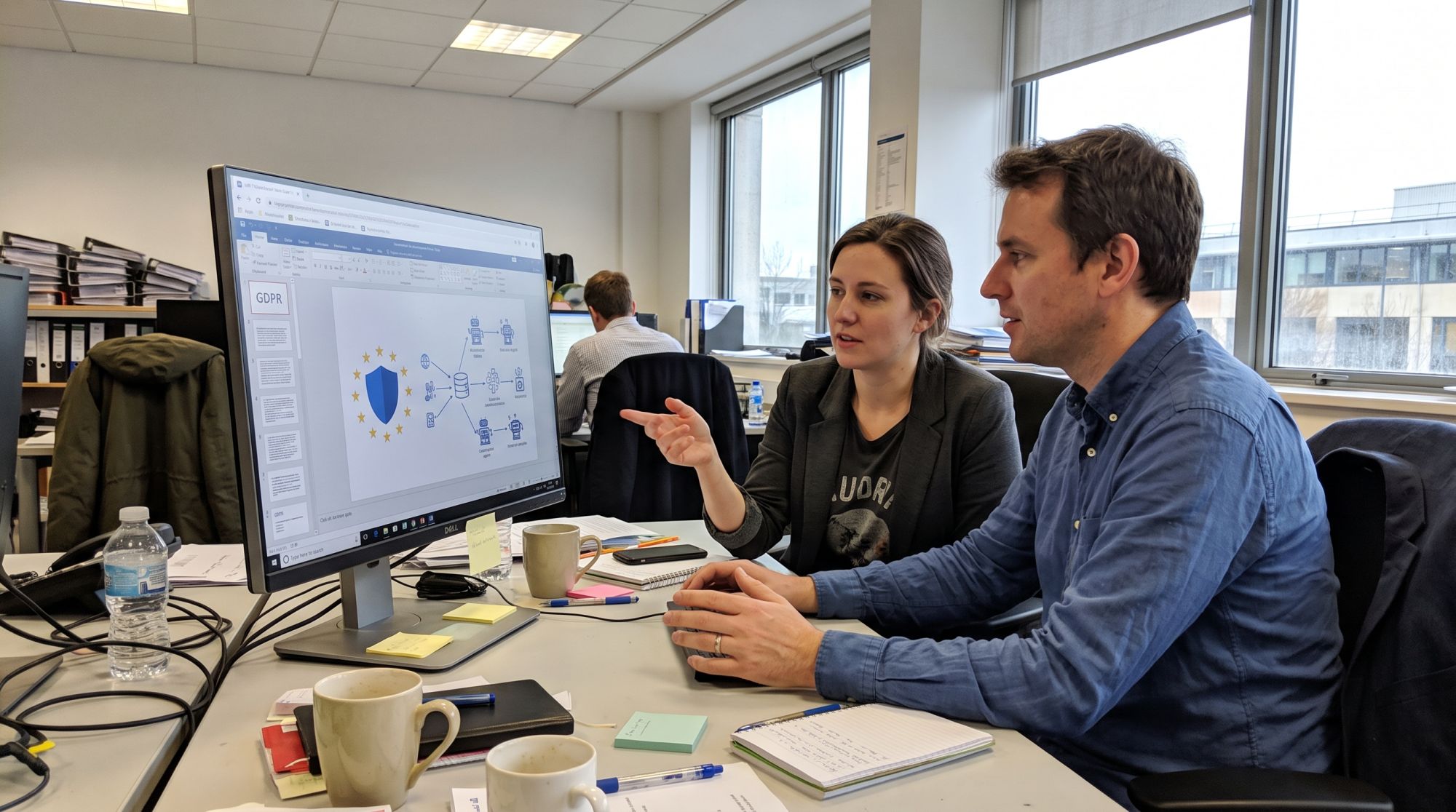
Health information is special category data under the GDPR: processing it is prohibited unless an exception applies, such as health care by professionals bound by secrecy (Article 9). So an AI receptionist for a clinic needs a careful set-up, and you should check whether you need a data protection impact assessment (Article 35).
Ask only for what is needed to book: name, contact details and the reason for the visit in a few words.
Know where recordings and summaries are stored, who can see them and when they are deleted.
Have a data processing agreement with whoever provides the AI receptionist.
Tell patients in your privacy notice, and at the start of the call, that an AI answers and how their data is used.
Our article on GDPR and AI agents goes through the questions to ask any provider.
What stays with your team
The AI receptionist takes the routine; your team keeps everything that needs a person.
clinical questions, and anything that needs a dentist’s judgement
complaints and sensitive conversations
treatment plans with several appointments or specialists
anything the agent is unsure about: it says so and passes it on
Setting it up
With Acastia, an AI receptionist goes live in four steps, and it takes about two hours of your time.
Free assessment. We look at your calls: how many, when, and what about. We also check how your clinic books appointments.
Your plan. A written proposal with a one-time set-up fee and one fixed monthly fee.
Build and launch. We train it on your treatments, opening hours and rules for urgent cases, agree with you how it handles patient data, and connect your phone line. You test it first, and nothing goes live before you approve it.
Run and improve. We read the conversations, adjust what can be better and review the results with you every month.
Want to hear one first? Our demo builds a receptionist from your own website and calls you. See also how it works for clinics and other industries.
Questions and answers
Can it give medical advice?
No. It answers practical questions and follows your rules for urgent cases. Anything clinical goes to your team.
Can patients still reach a person?
Yes. It passes the call to the front desk when a patient asks for a person, or when the call needs one.
Where is the patient data stored?
We go through this with you before launch: what is recorded, where it is stored, who has access and when it is deleted.
Does it speak our patients’ language?
It speaks the language you choose for it, such as Danish, German, French, Dutch or English.
What does it cost?
A one-time set-up fee, then one fixed monthly fee, both set after a free assessment. See how our pricing works.